AI Integration With the Tools You Already Use
You don't need to replace your software to use AI — what we plug intelligence into (CRM, scheduling, docs, email), how integration projects actually go, and published pricing.
You don't need to replace your software to use AI — what we plug intelligence into (CRM, scheduling, docs, email), how integration projects actually go, and published pricing.
The most common misconception about adopting AI is that it means new software — another platform, another login, another migration, another month of "where did that button go." For most small businesses the opposite is true: the fastest, cheapest AI value comes from adding intelligence to the tools you already run and your team already knows.
That's the integration practice inside our AI automation work, and this page covers what we plug AI into, how the projects actually go, and the numbers.
Here's the quiet fact under this whole service line: your existing software almost certainly has doors built into it. Mainstream business tools — CRMs, schedulers, accounting, email — expose APIs precisely so other software can read from and write to them. AI integration walks intelligence in through those doors: the model reads what's in your systems, does the reading-writing-judging work, and puts results back where your team already looks.
The consequences are worth spelling out, because they're the whole business case:
The honest boundary: integration inherits your tools' limits. When the tool itself is the problem — the fit issues covered in custom vs. off-the-shelf — AI bolted onto it polishes a misfit. The audit tells you which situation you're in before money moves.
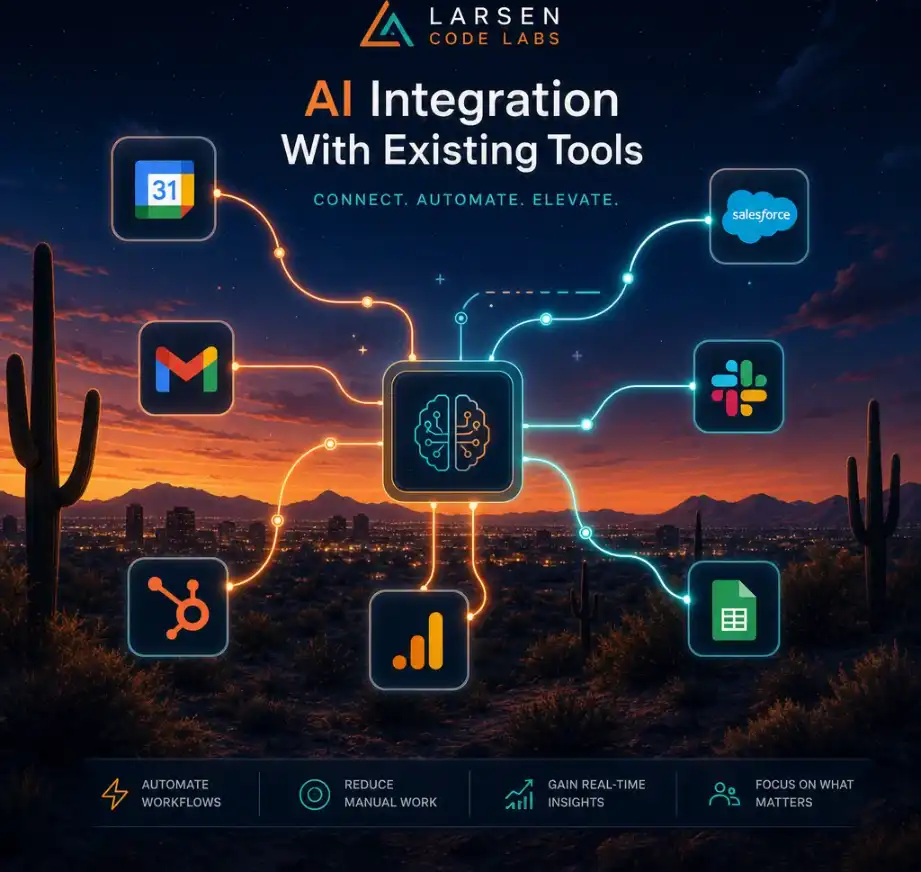
Your CRM. The richest target. AI reads inbound communication and logs it as structured records; enriches leads with what's inferable; drafts follow-ups from full record context ("they asked about X in March"); summarizes long histories before a call; flags accounts going quiet. HubSpot and Salesforce take this especially well; most industry CRMs have workable APIs.
Scheduling. Requests arriving in natural language ("any chance Thursday afternoon?") read, checked against real availability, and answered with bookable options; reschedules and cancellations handled the same way; no-show follow-ups drafted with context.
Email and communications. The inbox as a processed queue instead of a pile: classification, extraction, priority, drafted replies for approval — the intake pattern that's usually the first integration we recommend, applied inside the mailbox you already use.
Documents and files. Invoices, contracts, intake forms, and reports read on arrival: data extracted into systems, summaries generated, inconsistencies flagged. Document processing is often the clearest ROI in the whole catalog because the before-state — a person re-typing PDFs — is so nakedly measurable.
Accounting. With appropriate care and human review on anything that moves money: invoice data extraction into QuickBooks, categorization suggestions, reconciliation flags, collections drafts.
Your own product. If you're a software company, LLM features integrated into what you sell — our home turf, since Tonalyzer, our own commercial SaaS, is exactly this: Anthropic's Claude API engineered into a product with real users. When the integration is the product, the work graduates into custom software development.
The unglamorous truth about AI integration: most of the engineering isn't AI. It's the plumbing around it, done properly.
Pricing: $6,500–$25,000 for typical LLM integrations, $8,000–$30,000 where heavy document processing is involved, at $150/hr typical under the same signed-SOW terms as everything we do.
To make the abstractions concrete: a typical first integration for a service business — AI drafting inside the CRM. Before: staff open each new lead, skim whatever communication came in, and write follow-ups from scratch between other work; response quality tracks whoever's least busy. The integration: when a lead record is created or updated with new communication, the AI reads the record's history, drafts a follow-up in the business's voice referencing the specifics, and attaches it to the record as a pending draft — flagged low-confidence cases go to a review queue instead. Staff open the CRM they already use, see the draft waiting, edit or approve, send. Build time: about three weeks including shadow mode. Cost: mid-teens, inside the $6,500–$25,000 range. What changed operationally: follow-up latency dropped from "when someone gets to it" to "same hour," and the quality floor stopped depending on who was busy — the consistency effect that the ROI page argues is the under-priced half of the return.
Nearly any mainstream tool, via APIs. Genuinely closed systems have workarounds with tradeoffs we'll be honest about — and occasionally the honest answer is that the tool is the bottleneck, which is a different conversation.
No — the integration reads and writes through the same APIs your tools already serve, at volumes that are rounding errors for platforms built to handle thousands of businesses. The performance question that does matter is the AI step's latency, which is why drafts are prepared asynchronously (waiting for you, not making you wait) everywhere the workflow allows.
Not on our builds — we use API access under terms that exclude training on your data, and we architect so sensitive data stays in your systems wherever possible. Data handling is designed, documented, and yours to audit.
The one where a person most obviously re-types between systems — measurable hours, low ambiguity, fast payback. The audit exists to find it; the ROI math prices it.
That's what the operations retainer covers — we track the platforms we've integrated and adjust before breakage reaches your workflow.
The mainstream stack integrates beautifully: HubSpot, Salesforce, QuickBooks, Google Workspace, Microsoft 365, Calendly, Stripe, Square, and most modern schedulers all expose solid APIs. Industry-specific tools vary — most built in the last decade have workable APIs; some legacy vertical software is effectively closed, and we'll tell you which camp yours is in during the audit rather than after the deposit.
That's the recommended shape — each integration lands, proves its return, and funds the next. The architecture is deliberately additive: the logging, credentials, and review-queue infrastructure from integration one gets reused by every one after, so the second and third cost less than the first.
Which of your tools should have gotten smarter by now? Name your stack — CRM, scheduler, books, inbox — and we'll tell you where AI plugs in first and what it returns. Start with the audit, or step back to the full AI automation guide.