Retiring the Spreadsheet: A Guide to Legacy Software Modernization in Phoenix, AZ
Stop holding your business back with outdated databases and complex spreadsheets. Learn how legacy software modernization in Phoenix can transform your operations.

Stop holding your business back with outdated databases and complex spreadsheets. Learn how legacy software modernization in Phoenix can transform your operations.
Across the Phoenix Valley, many established companies in logistics, manufacturing, and business services share a common operational secret: their daily workflows are held together by decades-old spreadsheets, local Microsoft Access databases, or aging Windows desktop applications written twenty years ago.
While these legacy systems have kept the business afloat for years, they eventually become a massive bottleneck. They don't sync with mobile phones, they are prone to data corruption when multiple users open a file simultaneously, they require local office server hardware to run, and they cannot integrate with modern cloud APIs like payment processors or CRM platforms.
If your team is wasting hours manually duplicating data, working around application crashes, or struggling to access core company records outside the physical office, it is time to explore legacy software modernization in Phoenix, AZ to build a secure, cloud-enabled web application.
Continuing to use outdated legacy software is not free. In fact, the "technical debt" of maintaining aging desktop utilities can cost your business significantly more in lost productivity, data entry errors, and security exposure than building a modern replacement from scratch.
Let's look at the operational differences between maintaining the old way versus investing in digital transformation:
| Operational Dimension | Outdated Legacy System | Modernized Web Application |
|---|---|---|
| Accessibility | Requires office VPN, local server connections, or specific PCs | Secure, browser-based access from any device with an internet connection |
| Data Integrity | High risk of file corruption, missing fields, or overwritten records | Controlled database writes with automatic transaction rollbacks |
| API Compatibility | Completely isolated from modern software and cloud tools | Seamlessly connects with payment portals, mapping APIs, and Slack |
| System Security | Vulnerable to local server crashes, hardware failures, and malware | Cloud backups, automated security patches, and encrypted storage |
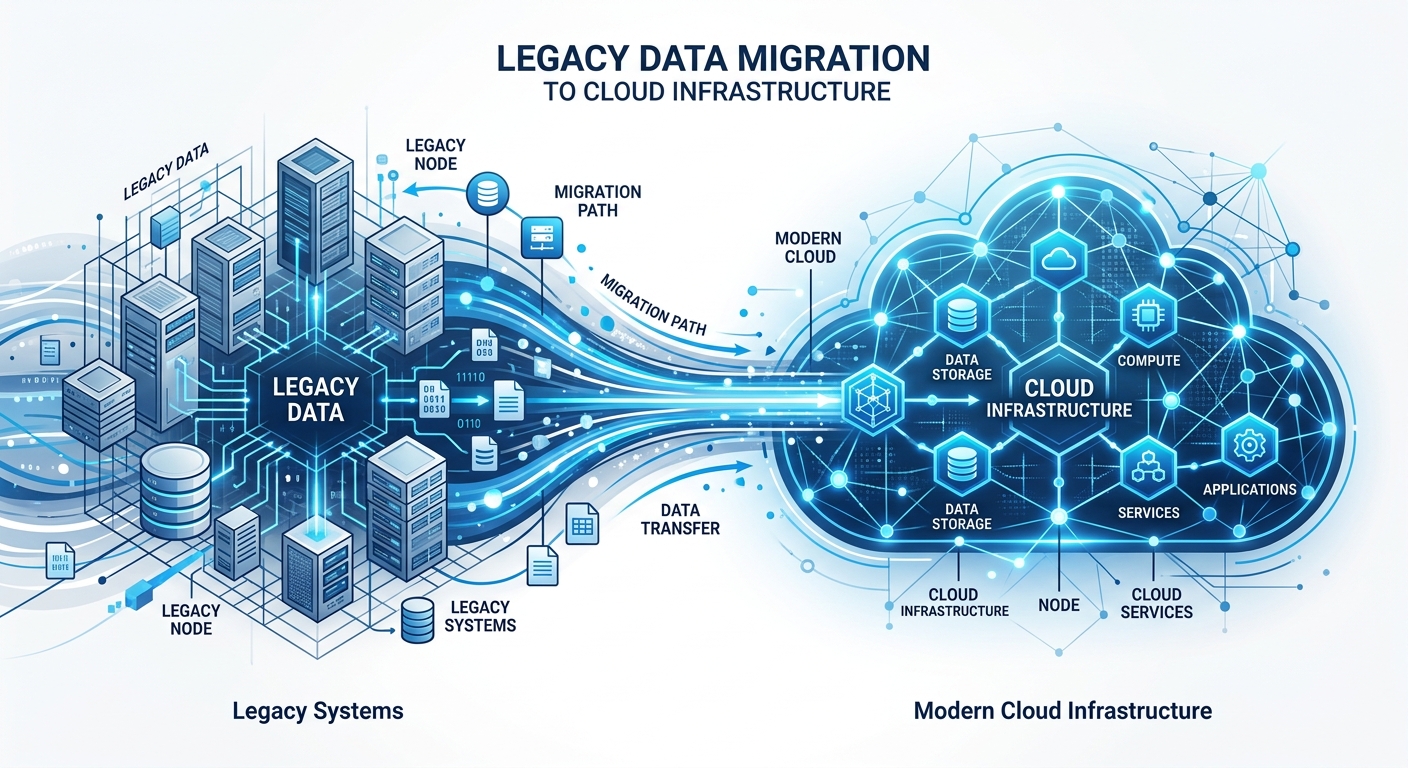
Many Phoenix manufacturing and distribution companies rely on an internal tool built by a single employee a decade ago. If that employee leaves, or if the specific server running that tool dies, the business stops. Modernizing your software into a standardized, documented web application removes this critical business risk.
Replacing an internal system can feel daunting, but a phased approach makes the transition smooth. You don't have to rebuild everything on day one; you can start by migrating your core data tables to a secure cloud platform.
Here is a checklist of signs that your business is ready for software modernization:
At Larsen Code Labs, we work closely with local Arizona businesses to audit their existing database architectures and rebuild their legacy platforms into clean, high-performance web applications. Whether migrating data to a secure Phoenix SQL database or integrating a custom interface with your custom CRM developer, we focus on creating software that makes your business more agile, secure, and ready for modern growth.
Legacy software modernization is the process of updating, rewriting, or migrating older software systems (such as old desktop programs, local spreadsheets, or fragile Access databases) into modern, cloud-native web applications. This transition preserves your unique business rules and proprietary data while massively improving performance, mobile compatibility, and security.
Data migration is the most critical phase of modernization. We carefully audit your existing data, write custom migration scripts to clean up formatting inconsistencies, and transition your records into a modern, structured cloud database. We run extensive validation tests before launching the new system to guarantee that absolutely no data is lost or corrupted during the move.
No. We design and build modern software replacements in parallel with your existing workflows. Your team continues to use the legacy system exactly as they always have during development. Once the new web application is fully built, tested, and approved, we perform the final data synchronization and transition your staff over during a scheduled, low-traffic maintenance window (usually over a weekend).