Legacy System Modernization for Phoenix Businesses
Signs your business software has become a liability, the rebuild-vs-modernize decision made honestly, and how years of data move to a new system without losing history.
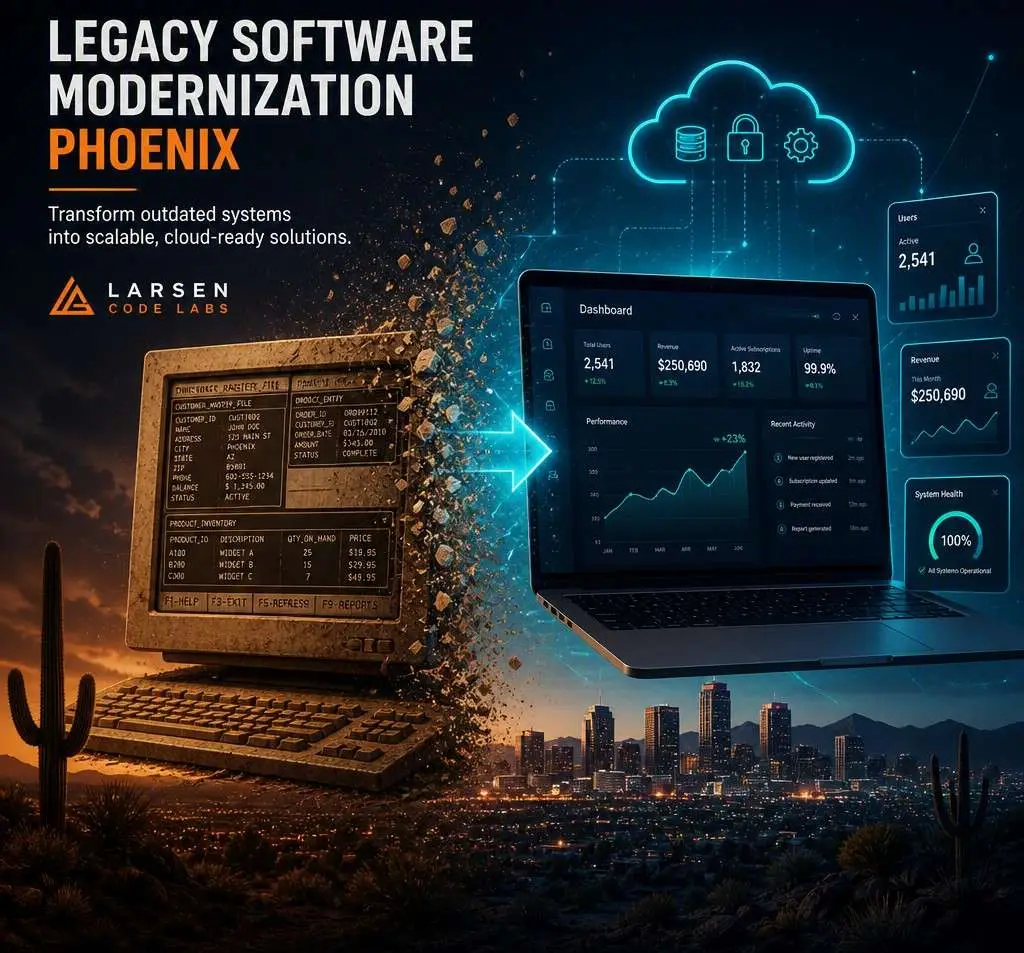
Signs your business software has become a liability, the rebuild-vs-modernize decision made honestly, and how years of data move to a new system without losing history.
Every established business has one: the system nobody chose and everybody depends on. The custom software a long-gone developer built in 2012. The Access database that runs quoting. The vendor product whose vendor stopped answering. It still works — that's the trap — and every year it works a little worse, costs a little more to touch, and gets one year closer to the failure that finally forces the issue on the worst possible day.
Modernizing these systems is some of the most valuable work in our software practice, because the payoff isn't a new capability — it's removing a risk that's been silently pricing itself into everything.
The honest checklist, from systems we've been called in to replace:
Two or more of these, and the question isn't whether to modernize — it's which path and when, on your schedule instead of the system's.
The vendor default is "rebuild everything" — it's the bigger invoice. The honest decision has two paths:
Incremental modernization — keep the working core, fix the edges. Put a modern web interface over the old database. Build an integration layer so the system can finally talk to your other tools. Replace the most painful module first, the next one next quarter. Right when: the core logic is sound, the business can't absorb a big-bang cutover, or budget needs to spread across quarters. This is where our custom web application work often begins — as a modern front door on a legacy back room.
Full rebuild — a new system, built to current reality, with the old one's data migrated in. Right when: the platform is dead (unsupported language, unavailable expertise, no source code), the encoded process no longer matches how you operate, or the incremental path would spend rebuild-money one patch at a time. Rebuilds price like the custom projects they are — $18,000–$90,000 on our published ranges — with migration as a first-class line item, never a footnote.
The question that usually decides it: if this system died tonight, what would tomorrow cost? Businesses that wince at that answer tend to choose the path with the shortest time-to-safety, and that's frequently incremental.
The part that separates modernization from ordinary development: your history — customers, jobs, invoices, years of operational memory — is the most valuable thing the old system holds, and the most commonly mangled in amateur replacements.
How it moves safely:
That discipline is also why our quotes carry a migration line item at full weight: it's regularly a third of a modernization budget, and its absence from a competing quote is the most reliable lowball tell in this category — one of several covered in how to choose a development partner.
Because modernization decisions are risk decisions, the entry point is a paid assessment rather than a sales pitch — 1–2 weeks, from our $2,500 minimum, and it delivers: an inventory of what the system actually does (frequently different from what anyone believes it does), a risk read — platform support status, backup reality, the single-person dependencies, what tomorrow costs if it dies tonight — and both paths priced: the incremental sequence and the rebuild, with our recommendation and the reasoning in writing. The assessment is deliberately standalone. Take it to another vendor, use it to negotiate with your current one, or shelve it with a calendar reminder — it's your risk map either way, and businesses have done all three. The ones who act on it earliest spend the least; that's the only sales pitch this page will make.
Incremental work scales from our $2,500 minimum engagement (a single integration or interface module) up through phased multi-quarter programs; full rebuilds run $18,000–$90,000 at $150/hr typical. The cost guide covers what moves the number.
It shouldn't, and the parallel-run design exists so it doesn't: the old system keeps working until the new one has proven itself on real work, and cutover happens in a planned window — typically a weekend — with the old system still available as fallback. The migrations that cause business downtime are the big-bang ones; ours are boring by construction.
Until the day you can't — which is the problem. The honest answer is an assessment: we look at platform support, backup reality, and single-person risk, and tell you whether you have years, months, or a live emergency.
Yes — that's the normal case, not the exception. Working source code helps; failing that, the database and the people who use the system daily carry enough truth to rebuild from.
Some change is the point — but good modernization keeps the vocabulary and flow your team already knows where it works, and changes what didn't. The people who use the system sit in the design conversations from week one.
Usually, if you start now — knowledge-capture interviews with them are the first workstream, and their six months of availability is worth more than any documentation that doesn't exist. This exact scenario is our most common modernization trigger, and the projects that go smoothly are the ones that began while the knowledge was still on payroll.
That's the incremental path's whole appeal: one module or integration per quarter, each independently useful, sequenced so the riskiest dependency retires first. The assessment produces exactly that sequence with per-stage pricing — a modernization program you can pause between stages without stranding anything.
Depending on a system you're afraid of? Tell us what it runs and what happens if it stops — we'll assess it honestly and map the safest path off it, phased to your budget. Start with an assessment, or see the full software practice.