Securing the Southwest: Navigating Phoenix Web App Security Consulting
Is your corporate web application safe from data breaches and ransomware attacks? Discover how Phoenix web app security consulting protects your digital assets and client data.
Is your corporate web application safe from data breaches and ransomware attacks? Discover how Phoenix web app security consulting protects your digital assets and client data.
As businesses across Arizona—from financial services in Scottsdale to logistics hubs in Goodyear—migrate their core operations to the cloud, they open up massive opportunities for speed, collaboration, and efficiency. But this shift to public-facing web applications also exposes them to a growing digital threat: cyber attacks.
From sophisticated ransomware campaigns to automated botnets scanning for unpatched security vulnerabilities, modern web platforms are constant targets. A single data breach can expose sensitive customer data, corrupt business records, cost hundreds of thousands of dollars in recovery, and permanently destroy client trust.
To protect your proprietary corporate software and user information, local companies are increasingly investing in specialized, preemptive Phoenix web app security consulting to proactively find and fix vulnerabilities before malicious actors do.
Contrary to popular belief, most data breaches do not come from highly sophisticated, multi-million dollar hacking tools or complex espionage. Instead, they exploit simple, overlooked security mistakes in standard web applications—often matching the vulnerabilities listed in the OWASP Top 10.
Let's look at the most common web vulnerabilities and their engineered, defensive solutions:
| Common Security Vulnerability | Exploit Potential | Security Consultant Engineering Solution |
|---|---|---|
| SQL Injection (SQLi) | Hackers inject malicious commands into forms to read your entire database | Implement parameterized queries and strictly sanitize user inputs |
| Cross-Site Scripting (XSS) | Malicious scripts run in visitors' browsers to steal session cookies | Sanitize output HTML, enforce strict Content Security Policies (CSP) |
| Broken Authentication | Weak passwords or basic cookies allow hackers to hijack user seats | Deploy multi-factor authentication (MFA) and secure, rotating session hashes |
| Outdated Software Libraries | Old third-party dependencies with known security CVE exploits | Run continuous dependency scans and automate software patch updates |
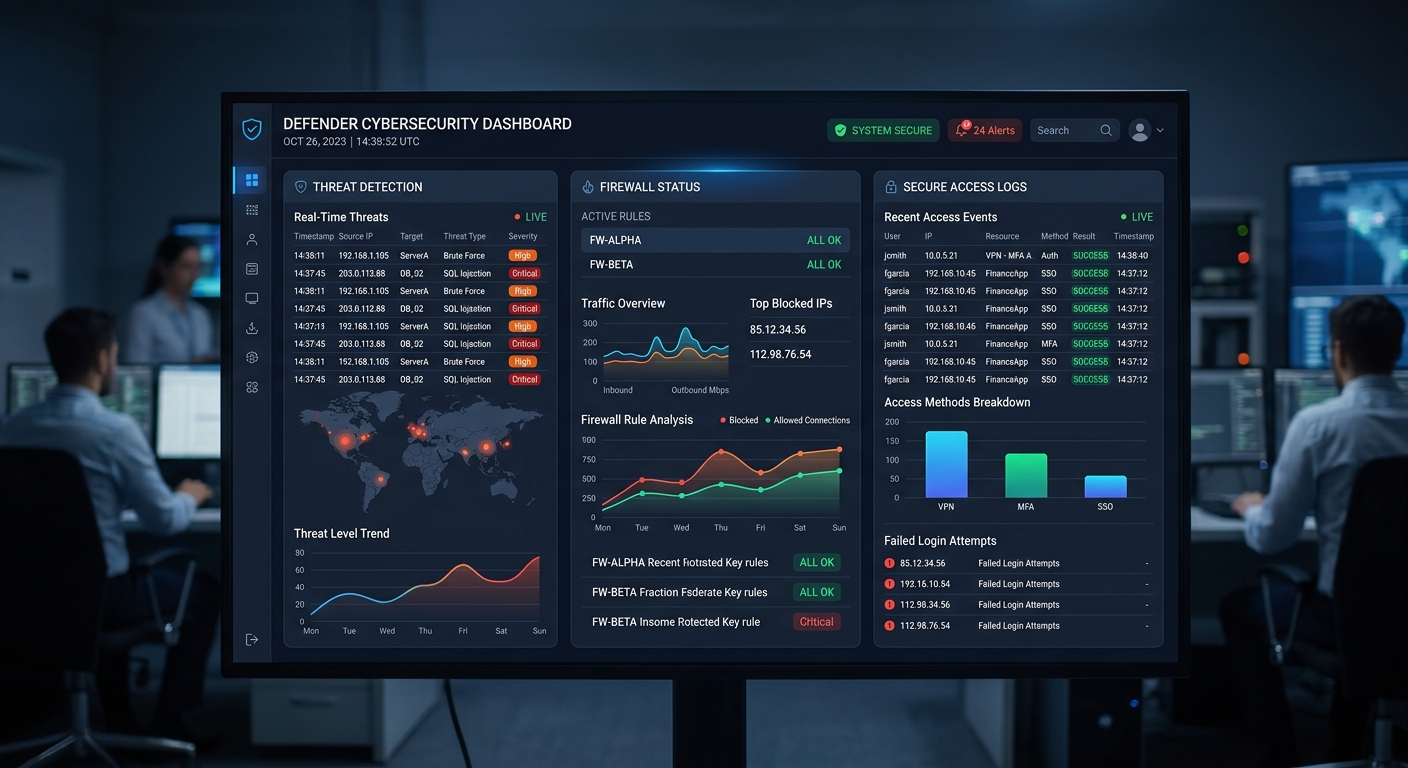
Your business doesn't have to be a specific target to be breached. Hackers deploy automated scripts that constantly crawl the internet, searching for servers with outdated software or exposed database ports. If your web app has an unpatched vulnerability, these scripts will automatically exploit it.
Securing your software platforms does not require shutting down your digital systems or hindering employee productivity. A proactive, defensive approach will make your web applications highly resistant to automated attacks.
At Larsen Code Labs, we engineer custom web applications with security built into the core. By auditing your existing codebases, running thorough vulnerability scans, and applying modern, secure-by-default coding patterns, we ensure your business assets remain secure, keeping your Arizona brand trusted and resilient.
A web application security consultant analyzes your custom software, APIs, and cloud infrastructure to identify security vulnerabilities, misconfigurations, and compliance gaps. At Larsen Code Labs, we run thorough source code audits, perform active penetration testing, implement secure coding standards, and construct defensive firewalls to protect your systems against unauthorized access and data theft.
With the rapid growth of remote work and cloud-based operations, local businesses rely heavily on custom portals, CRMs, and file-sharing apps. Because these platforms are exposed to the public internet, they are constantly targeted by automated web crawlers searching for easy exploits. Securing these touchpoints is absolutely essential to shield your proprietary operations, avoid massive regulatory fines, and protect client trust.
You should conduct a comprehensive security audit at least once a year, or whenever you deploy significant new features to your application. For businesses operating in highly regulated fields like healthcare or finance, continuous automated dependency scanning and semi-annual penetration testing are recommended to satisfy compliance guidelines.